 KNX PANEL COLLECTION
A panel that is easy to find in daylight may feel different beside a bed at night. When selecting a KNX keypad for a bedroom or hotel room, ask not only what its buttons do but also how its lights behave when the room is dark.
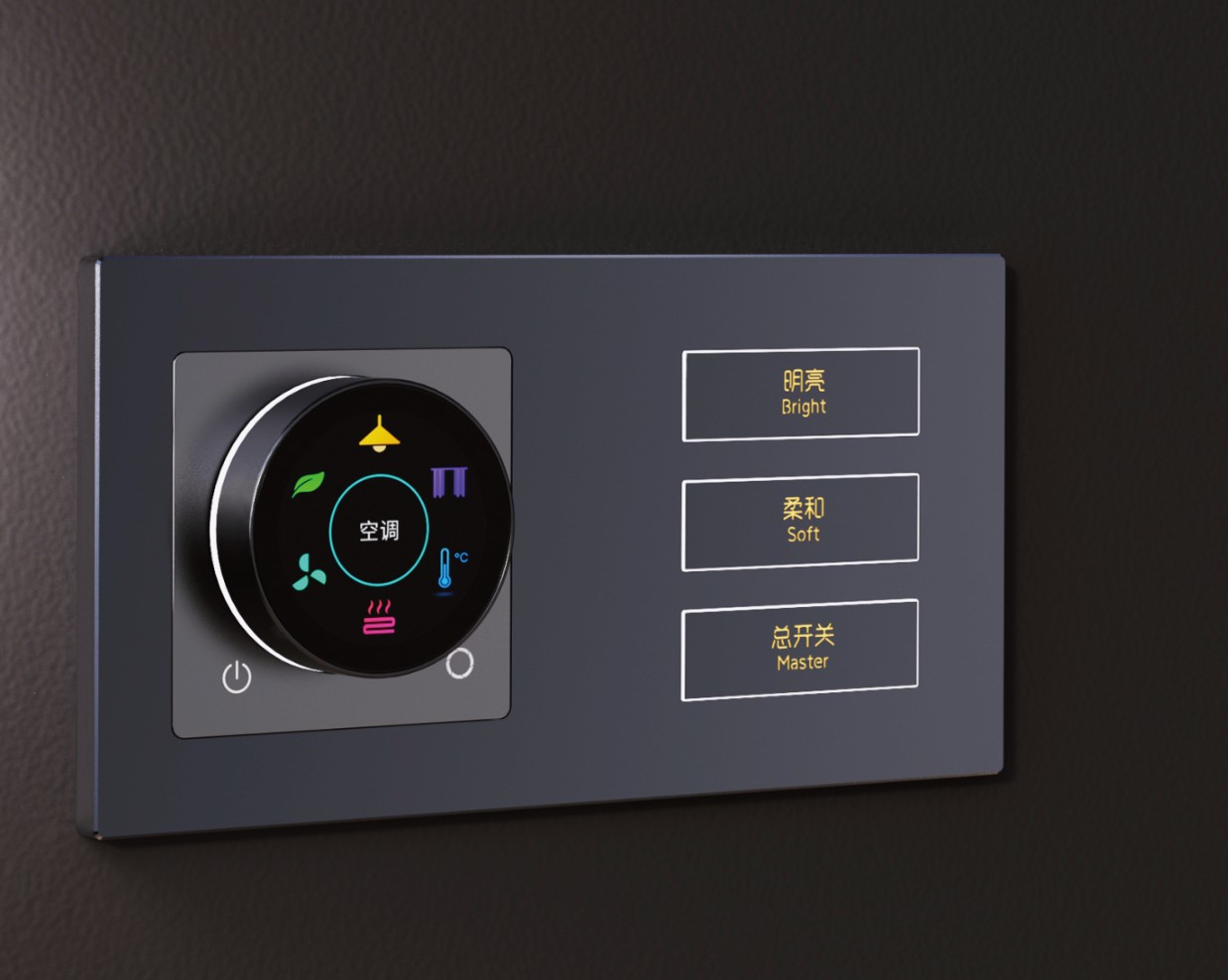
This image illustrates a wall-panel design; the night settings below depend on the exact model and are not asserted for the pictured product.
Three different things that may light up
- A locator or button backlight can help someone find a control.
- A status indicator may show whether a function is active or provide other feedback.
- The room lighting is the lamp or lighting circuit being controlled. Its brightness is a separate question from the panel's own lights.
Manufacturers use these terms differently, so ask which physical lights a setting affects. A wall control that can dim a lamp does not necessarily let you dim its own indicator, and vice versa.
What can night settings do?
Depending on the model and configuration, a panel may offer different brightness levels, a standby or sleep state, or a temporary change after interaction. The GVS KNX touch-panel manual describes day and night backlight parameters for its specific products. The Black Nova keypad manual describes indicator functions and brightness states for its ARIA, ALBA and AXES range. These are model-specific examples, not universal KNX features.
A practical checklist
- Identify the exact model and ask which button, display and status lights it has.
- Check whether each relevant light can be adjusted or turned off, and whether the adjustment affects visibility or status feedback.
- Ask how day, night, standby or wake settings are selected, where available, and which settings require ETS configuration.
- If the panel has an integrated temperature sensor, follow that product's manual when configuring brightness or sleep; the Black Nova manual includes product-specific recommendations related to sensor performance.
- Review a working sample in a dim room if possible, from the actual bed or guest position.
- Agree on the desired behaviour with the integrator and document it for commissioning and handover.
A bedside example
A hotel team might want guests to locate a bedside control without a bright display remaining on all night. The buyer can describe that goal, then ask the integrator to check whether the exact proposed model offers appropriate settings. Confirm the approved behaviour in a sample room; do not assume that an image of an illuminated panel proves it has night mode.
Frequently asked questions
Can every KNX panel turn its backlight off?
No. Available lights and controls are model-specific; check the product manual and application data.
Does dimming the panel also dim the room light?
Not necessarily. The panel's indicator or display brightness and the controlled lighting circuit are separate functions to check.
Is a bright indicator always undesirable?
No. Some people value a visible locator or status signal. Choose the behaviour with the room's users and lighting conditions in mind.
Start with our room-by-room control schedule, browse KNX panels, or discuss your project.