 KNX PANEL COLLECTION
When guests enter a room, can they find the right button at a glance? A good label tells first-time users what will happen when they press it.
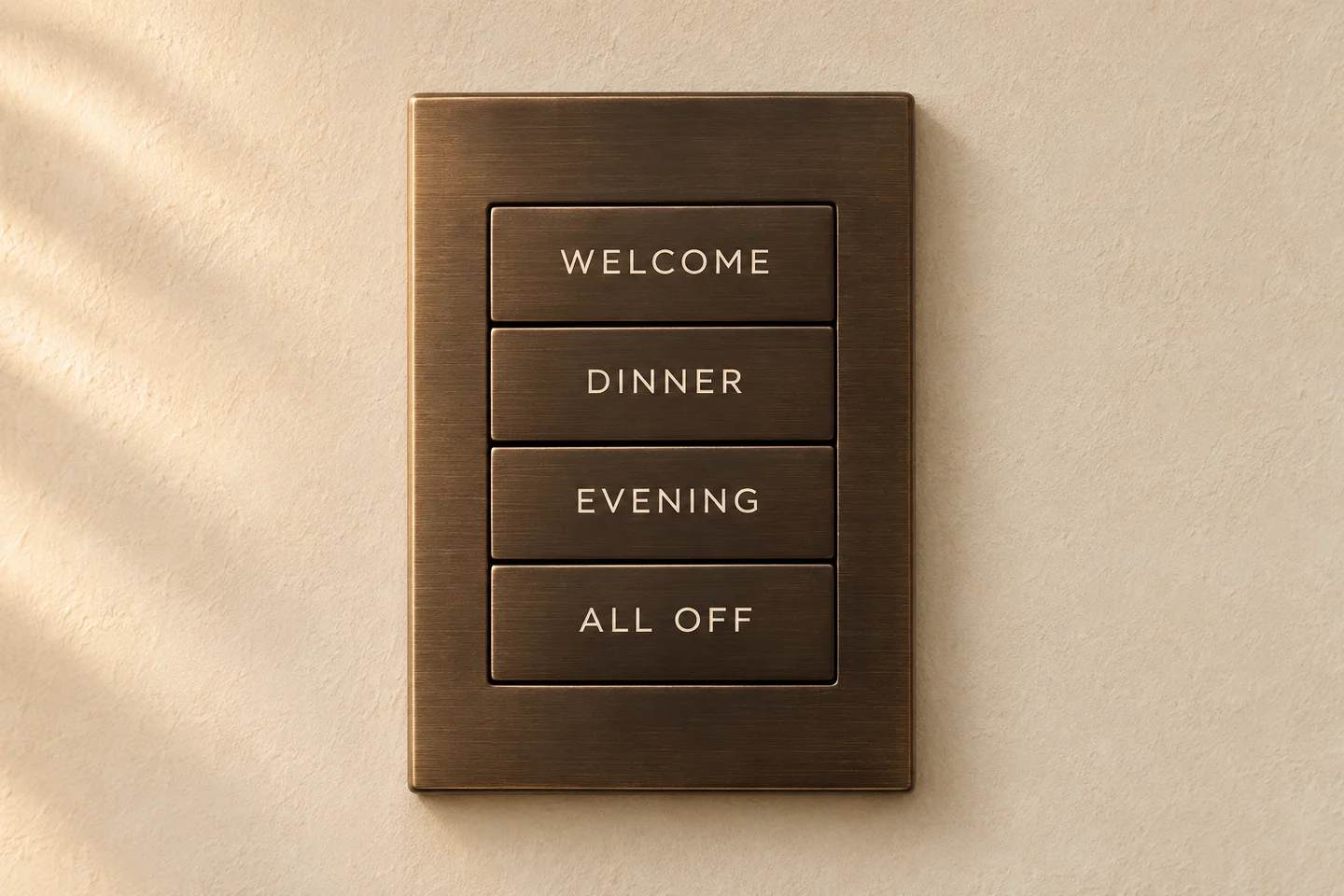
Illustration: An example engraving layout for a four-button scene keypad.
Decide what each button does before choosing the label
Start with the actions people use most often in each room. A four-button keypad in an open-plan living and dining area might read Welcome, Dinner, Evening, and All Off, from top to bottom. Each label should match a specific scene or action. If the last button only turns off the lights in that area, Lights Off is clearer.
Use icons for familiar actions and words for scenes
A familiar icon can work well for lighting or opening and closing blinds. Short words are often clearer for scenes such as Dinner, Movie, or Evening. Use the same words and symbols for the same actions across rooms so occupants can apply what they learn on one keypad to the next.
Check the artwork against the programming schedule
Put the room, panel model, button position, label, and programmed action in one schedule. Review it with the owner, designer, and KNX integrator before approving the artwork. Check it at actual size and review a sample in daylight and low light.
Available options for laser engraving, printing, and replaceable labels depend on the panel model and finish. If the scenes are still being adjusted, consider a model with replaceable labels so the final wording can follow the confirmed setup.